Introduction
Shoper CLI is a command-line interface tool that enables developers and integrators to efficiently work with graphic themes in stores based on the Shoper platform. CLI speeds up development processes, allows for automation of typical tasks, and supports CI/CD.
System requirements
- Node.js: min 21.19.5, preferably a recent LTS or higher
- Operating system: Windows (preferably PowerShell), macOS or Linux
- Access to Shoper store with permissions - Full access to Configuration (appearance)

Theme directory structure
The skin directory structure is essential for a correct understanding of Shoper CLI operation and Storefront theme logic.
- /macros
- /custom
- /modules
- /module-name-1
- /module-name-2
- /module-name-3
- …
- /settings
-
/styles
- /src
-
/macros - directory with macro files, provided with the store and theme, macro files documentation.
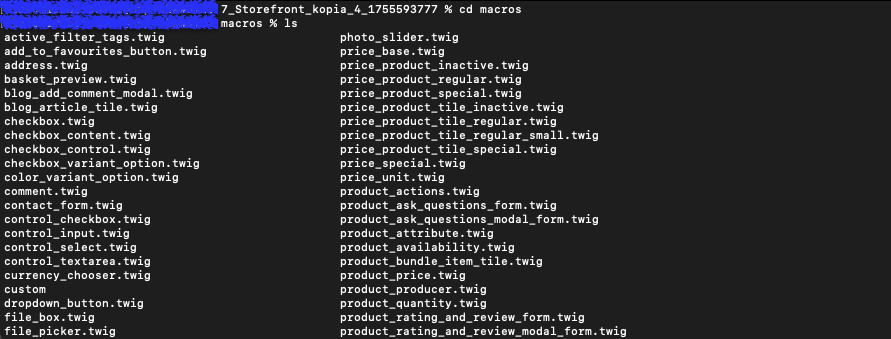
/macros/custom - directory with custom macro files

-
/settings - directory with skin configuration files
-
/settings/details.json
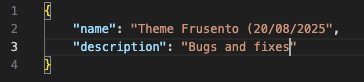
The file allows changing the "name" and providing a "description".
- /settings/schema.json - Configuration schema file that allows providing custom settings in the theme settings in Shoper Visual Editor. Uploading and using this file is supported only for themes distributed and managed by an official Shoper Partner under the SkinStore service.
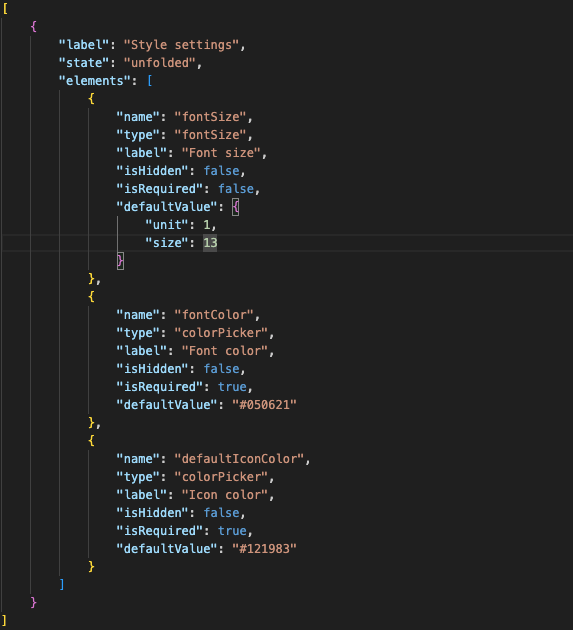
- /modules/settings.json The settings.json file contains values assigned to settings defined in schema.json – these are the current module configurations used in the visual editor (SVE).
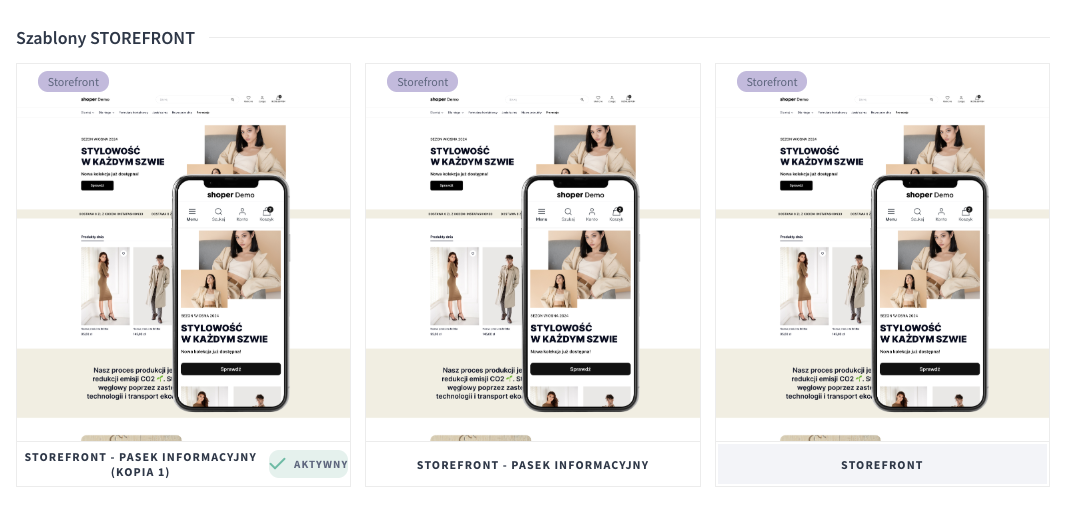
- /modules/thumbnail.jpg - Theme thumbnail, which is displayed in the list of skins in the Shoper administration panel.
- /modules - directory with module directories and files. Documentation describing Storefront modules.
Content:

- /modules/module-name/module.js - Module JS file, see documentation.
- /modules/module-name/module.twig - Module Twig file, see documentation.
- /modules/module-name/schema.json - Module configuration schema file, see documentation.
- /modules/module-name/settings.json - File with module configuration settings, see documentation.
- /modules/module-name/translations.json - File with module configuration settings, see documentation.
See how to add a new custom module step by step using Shoper CLI.
- skinstore
-
/styles - directory with CSS responsible for theme styles. Documentation.
-
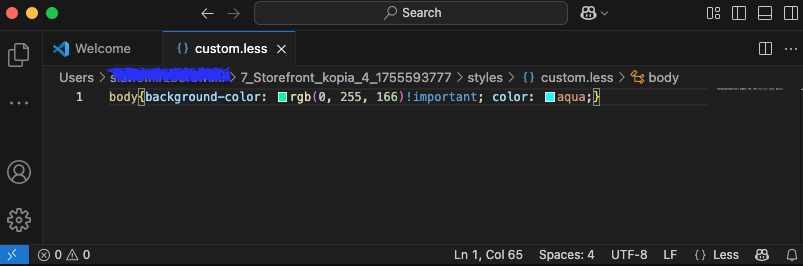
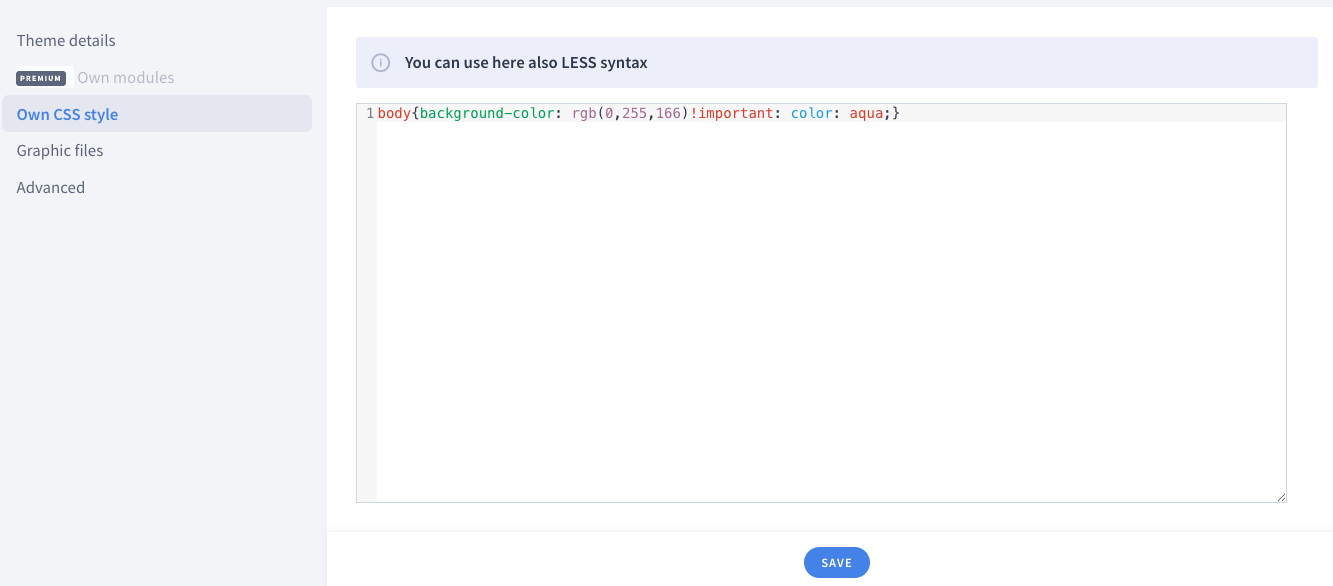
/styles/custom.less - Custom CSS / LESS theme style, analogous to the custom CSS tab in theme editing.
- /styles/schema.json This is the schema.json file that can be added by the Skinstore store, allowing you to define your own controls in the Shoper Visual Editor – in the Colors and styles tab.
- /styles/settings.json The settings.json file contains values assigned to settings defined in schema.json – these are the current configurations used in the visual editor (SVE).
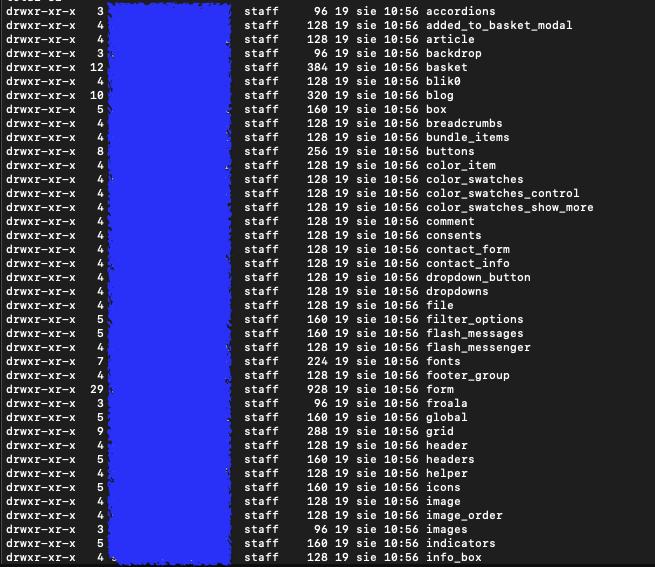
- /styles/src - Directory with Less theme files, read-only.
File ignore behavior
.shoperignore
The .shoperignore file allows you to exclude specific files and directories from:
- Packing into an archive during theme publication
- Uploading to the server
- Checksum verification
The file is automatically created during theme initialization (init) or download (pull).
Syntax:
.shoperignore uses the same syntax as .gitignore:
| Pattern | Description |
|---|---|
# comment |
Lines starting with # are comments |
pattern |
Each line represents a file/directory pattern to ignore |
* |
Wildcard - matches any characters |
dir/ |
Trailing / indicates a directory |
!pattern |
Leading ! negates a pattern (re-includes a previously ignored file) |
Empty lines are ignored.
.gitignore (auto-generated)
When you pull or init a theme, Shoper CLI automatically creates a .gitignore file in the theme directory with the following content:
This prevents the read-only Less source files from being committed to version control.
Watch mode ignore rules
During theme watch, the file watcher automatically ignores:
- All hidden files and directories (files and folders starting with
.) - this includes.shoper/,.git/,.gitignore, and any other dotfiles - Initial file scan is skipped - only changes made after watch starts are detected
- Unchanged files - if a file event fires but the checksum hasn't changed, the file is skipped
Push / Pull file filtering
The files included in push and pull operations are not controlled by a local ignore file. Instead, they are determined by:
- Server-side files structure - the store defines which file paths and globs are part of the theme (stored locally in
.shoper/files_structure.jsonafter pull/init) - Action permissions - the server determines which files the current token can modify based on theme type and permissions
styles/src/**/*is always included in push operations (added automatically)
Checksum ignore
Internal metadata files are excluded from checksum calculations:
.shoper/current_checksums.json.shoper/current_checksums.json.verify.shoper/initial_checksums.json.shoper/initial_checksums.json.verify
Summary
| Operation | What is ignored | Controlled by |
|---|---|---|
.shoperignore |
User-defined patterns | .shoperignore file (gitignore syntax) |
watch |
Hidden files/directories (dotfiles) | Built-in regex in file watcher |
push |
Files outside server-defined structure | Server-side files_structure.json |
pull / init |
styles/src/ added to .gitignore |
Auto-generated .gitignore |
| Checksums | Internal .shoper/*.json metadata files |
Hardcoded exclusion list |